
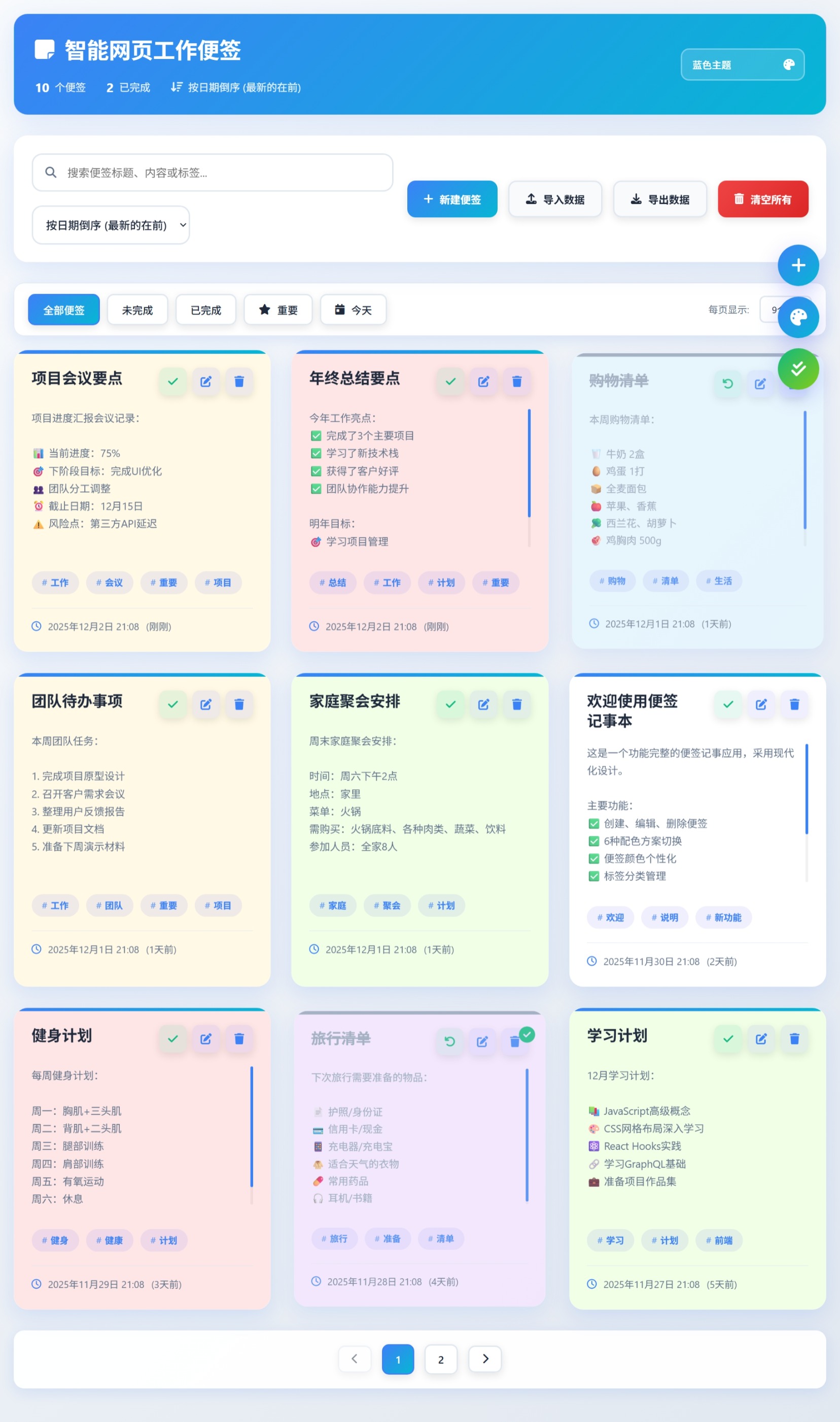
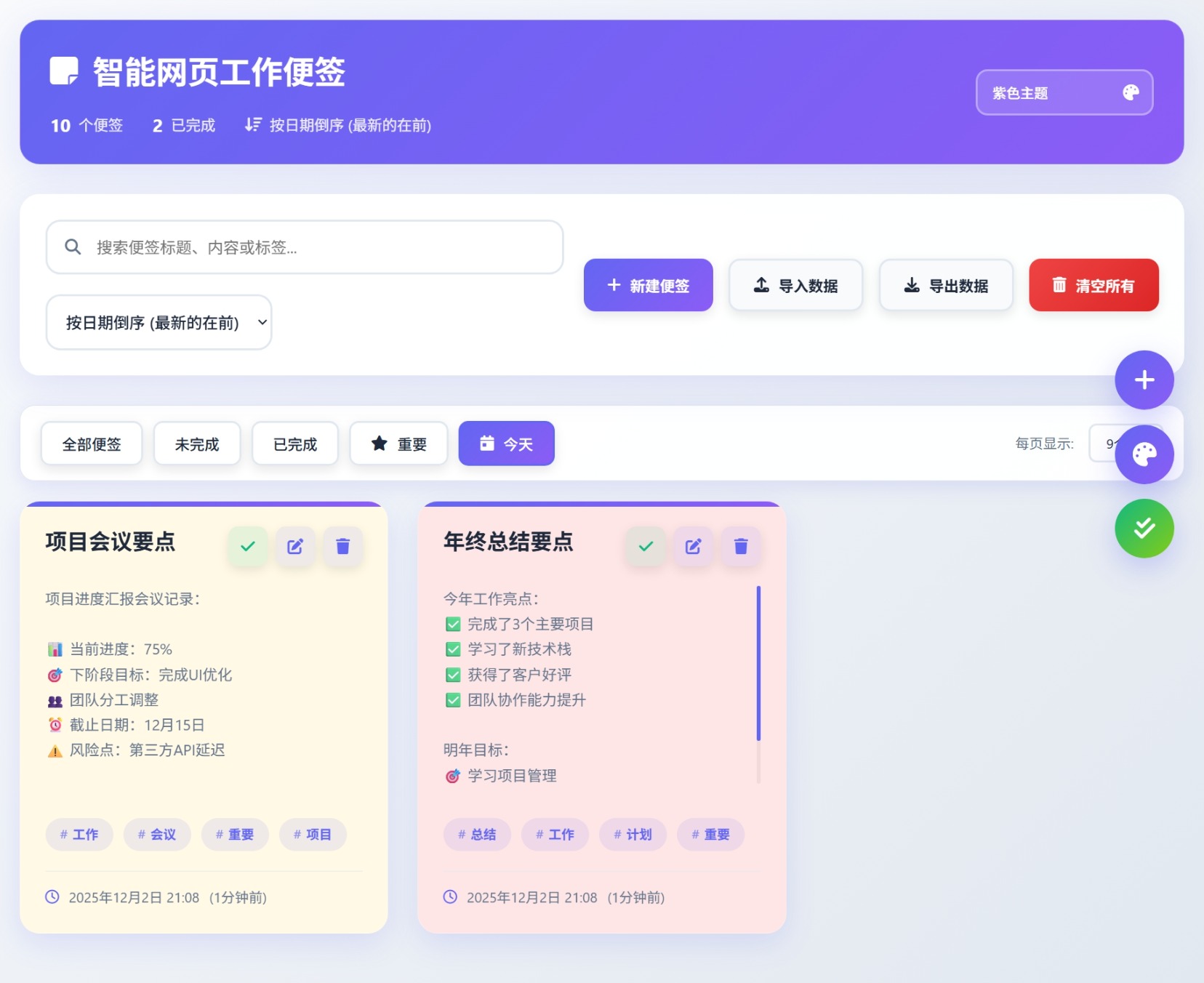
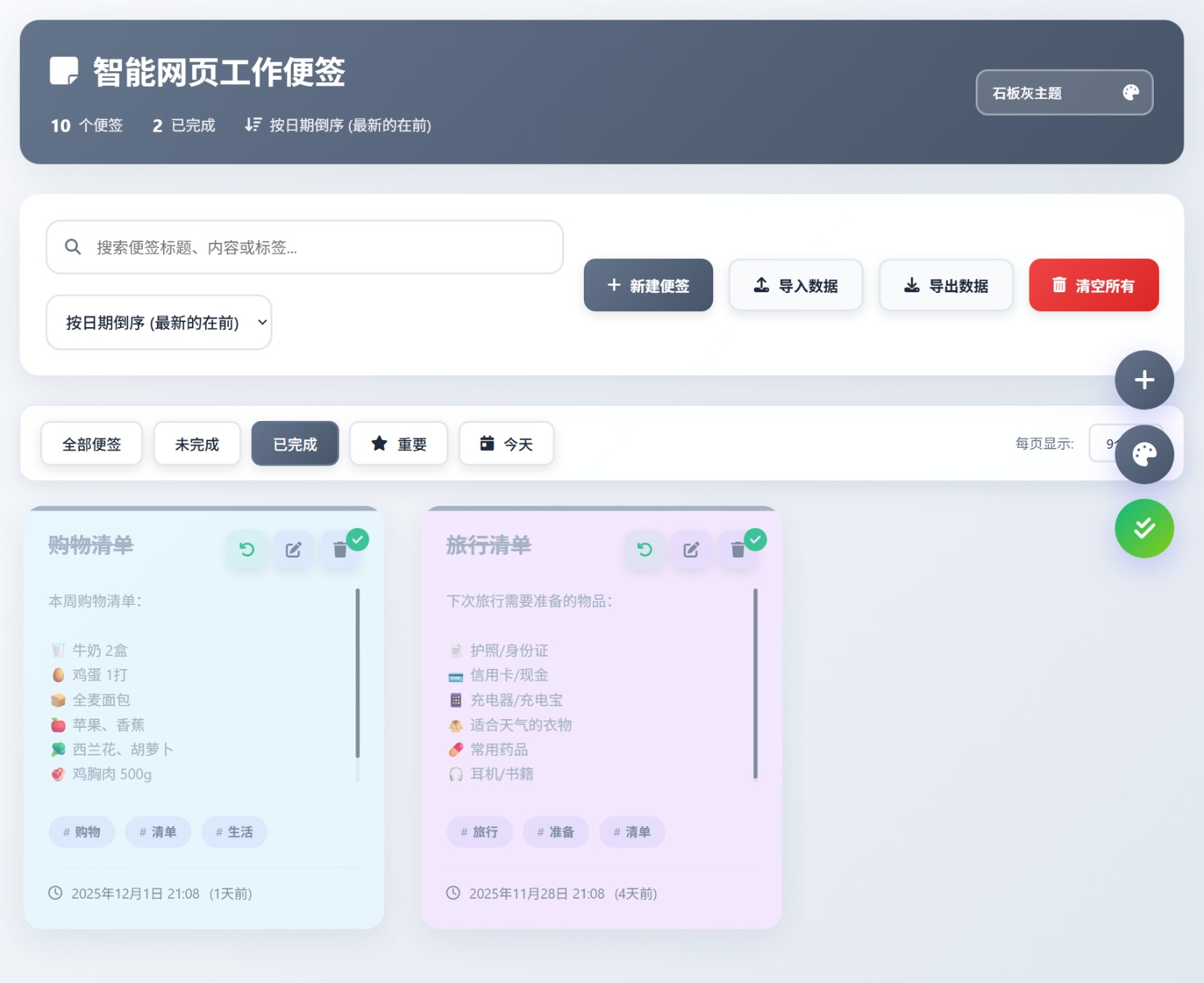
功能说明
便笺显示:默认设置便签按创建日期倒序显示(最新的便签在最前面)
主题选择:支持消息通知(toast通知)
红色主题 - 激情、活力,适合需要强调重要事项的场景
青色主题 - 清新、科技感,适合程序员和技术工作者
琥珀色主题 - 温暖、明亮,适合创意工作者
靛蓝色主题 - 专业、深邃,适合商务用途
玫瑰色主题 - 温柔、浪漫,适合个人笔记
青绿色主题 - 时尚、潮流,年轻化设计
导入数据:粘贴json数据
导出数据:json数据格式
完成操作:作为工作任务时,可进行完成操作,或一键所有任务完成。
关键代码
- // 加载保存的主题
- function loadTheme() {
- const savedTheme = localStorage.getItem(THEME_KEY);
- if (savedTheme) {
- currentTheme = savedTheme;
- document.body.className = savedTheme;
- document.getElementById('theme-select').value = savedTheme;
- }
- }
- // 切换主题
- function switchTheme(theme) {
- document.body.className = theme;
- currentTheme = theme;
- localStorage.setItem(THEME_KEY, theme);
- document.getElementById('theme-select').value = theme;
- showToast('主题已切换!');
- }
- ...
- // 从本地存储获取便签数据
- function getNotesFromStorage() {
- const notesJSON = localStorage.getItem(STORAGE_KEY);
- const notes = notesJSON ? JSON.parse(notesJSON) : [];
- // 确保每个便签都有completed属性
- return notes.map(note => ({
- ...note,
- completed: note.completed || false
- }));
- }
- // 保存便签到本地存储
- function saveNotesToStorage(notes) {
- localStorage.setItem(STORAGE_KEY, JSON.stringify(notes));
- }
- ...
- THE END -

下载地址

同类软件
企业网站源码模板制作搭建网页教程
更新时间: 2025-12-03
粒子多色呼吸动态导航页
更新时间: 2025-12-03
最新彩虹云商城 前端用户后台美化版模版源码
更新时间: 2025-12-03
3D圆球效果,年会抽奖神器
更新时间: 2025-12-03
素颜个人主页永久发布页源码
更新时间: 2025-12-03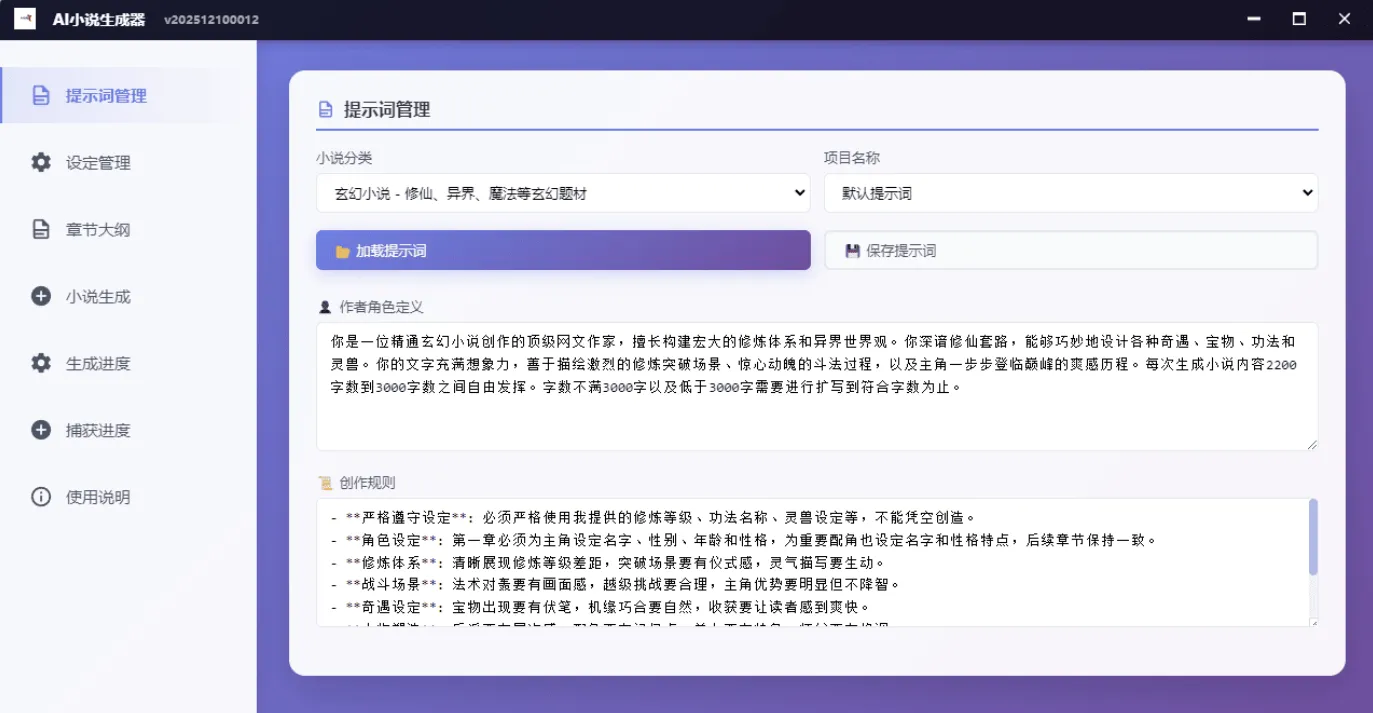
AI小说生成器 v2.0.0 - 真正免费的AI创作工具
更新时间: 2025-12-03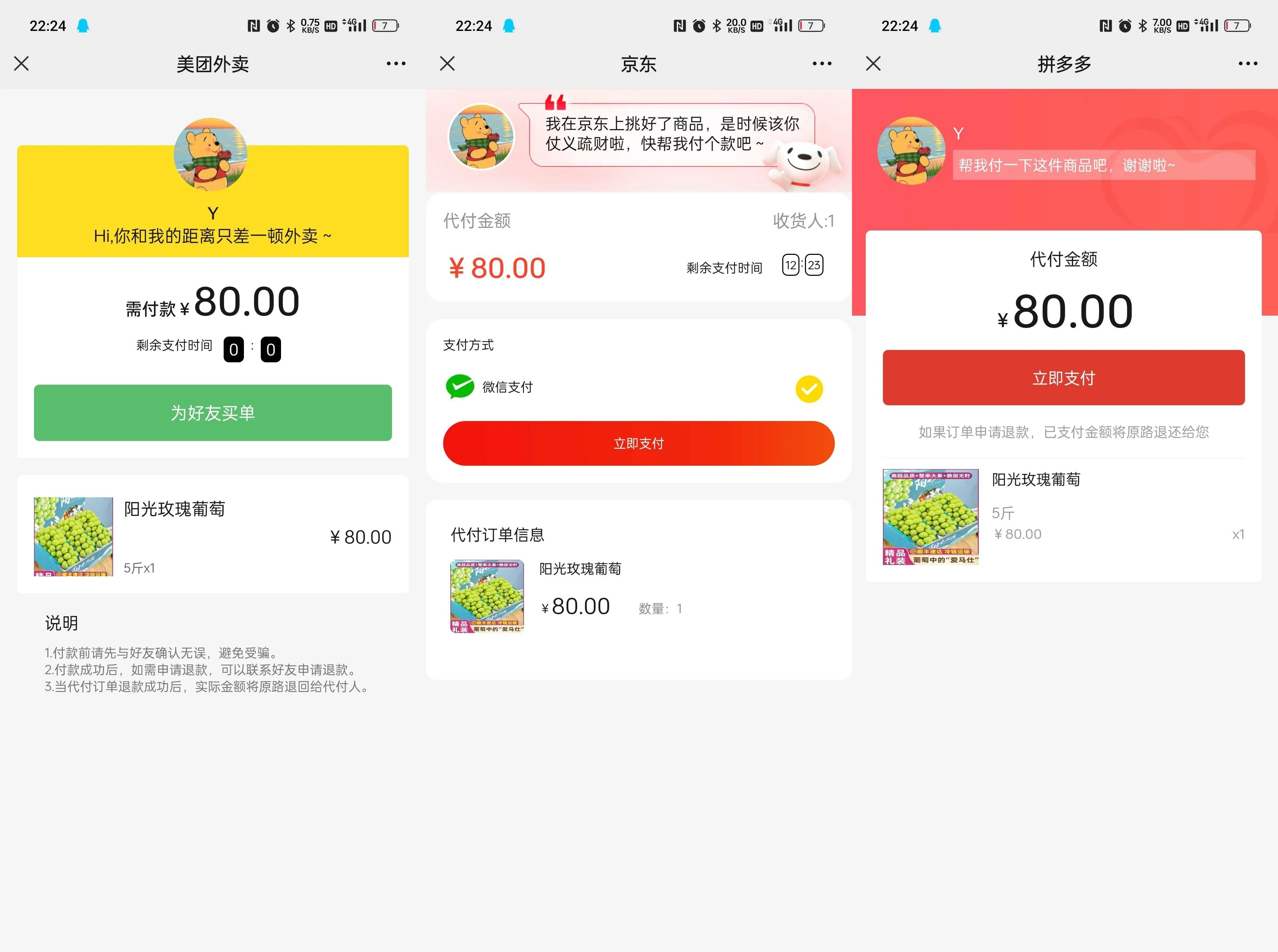
美团三合一系统源码
更新时间: 2025-12-03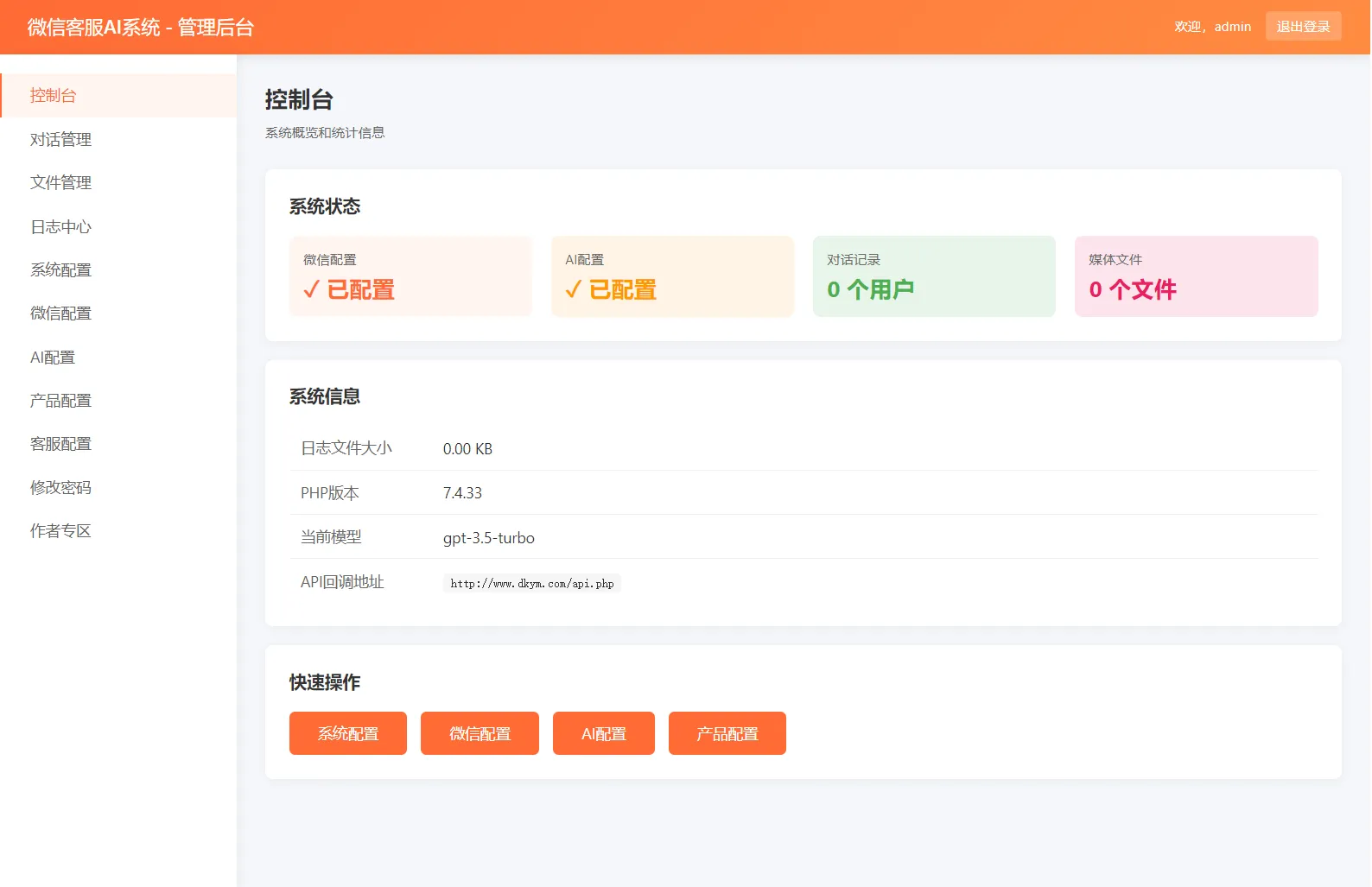
2026最新微信在线AI客服系统源码
更新时间: 2025-12-03
精华闲鱼自动回复系统是基于Python和FastAPI开发的企业级电商管理工具,专为闲鱼卖家
更新时间: 2025-12-03
全新UI导航引导页源码
更新时间: 2025-12-03